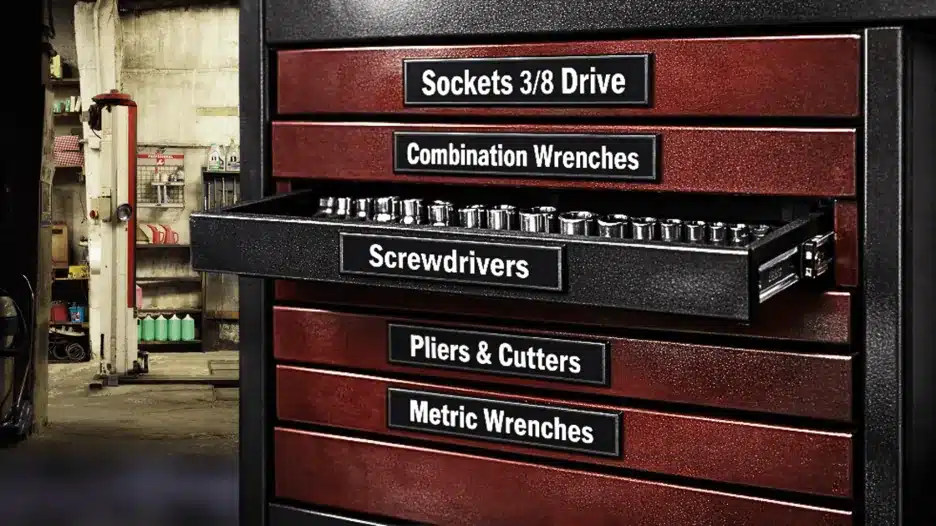
To label toolbox drawers, group your tools, assign each group a drawer, choose clear drawer names, and attach labels where they remain visible with the drawers closed. The best labeling system matches the tools you actually own and is easy to update when your layout changes.
This guide walks you through choosing label text, checking your drawer surfaces, positioning labels, and keeping everything consistent. You will also find toolbox drawer label ideas you can adapt to a small home toolkit or a larger mechanic’s chest.
Before You Start: Plan Your Drawer Layout
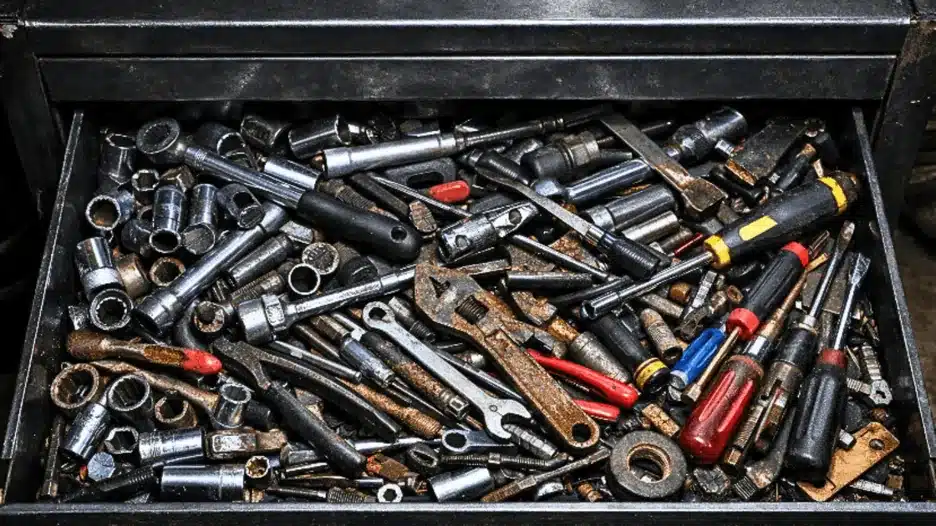
Sort tools into groups that make sense for your collection: sockets, wrenches, screwdrivers, pliers, measuring tools, and electrical tools are useful starting points.
A small collection may need one drawer for all sockets. A larger collection may need separate drawers for metric and SAE sockets, or different drive sizes. Dedicated task kits can stay together if that is how you use them.
Assign each group a drawer based on tool dimensions, weight, and how often you use it. Follow your toolbox manufacturer’s loading guidance and keep frequently used tools comfortably accessible. Record the planned drawer names before making or ordering labels.
You can put your tools back immediately and use temporary labels while testing the arrangement. There is no need to leave your toolbox empty while waiting for permanent labels.
If you still need to plan the overall layout, start with our guide on how to organize your toolbox.
What You Need to Label Toolbox Drawers
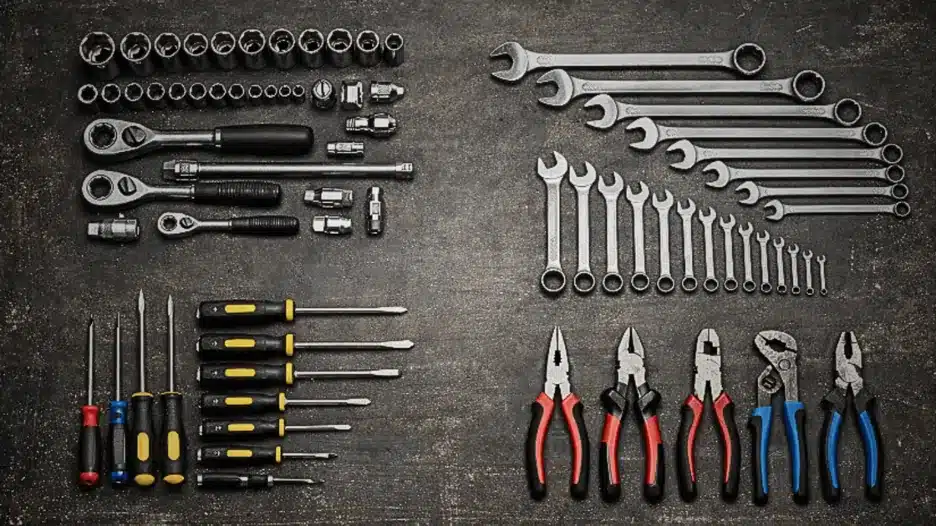
Gather a measuring tape or ruler, a list of drawer names, a soft cleaning cloth, and your chosen labels. Use a cleaner approved for the toolbox finish. If you are considering magnetic labels, have a magnet available to test the drawer fronts.
Choose the label type based on your surface and how often you reorganize:
| Label type | Useful for | Check before choosing |
|---|---|---|
| Temporary removable tape | Testing drawer names and layouts | Compatibility with the finish and removal instructions |
| Label-maker tape or adhesive labels | Custom wording on suitable surfaces | Tape material, adhesive compatibility, and cleaning resistance |
| Magnetic labels | Moving labels when drawer contents change | Whether the exact mounting area attracts magnets |
| Inserts for existing label holders | Drawers with built-in label slots | Insert dimensions and protection from dirt or moisture |
Metal alone does not guarantee magnetic compatibility. Aluminium and non-magnetic stainless steel will not hold magnetic labels directly. Test the drawer face itself, since handles and trim may use different materials.
For a more detailed comparison, see our toolbox labels guide.
At this stage you’re ready to actually label things.
How to Label Your Toolbox Drawers Step by Step
Step 1: Choose Clear Drawer Names
Name each drawer after the tools inside it. Use the shortest wording that distinguishes it from the other drawers.
“Sockets” works if all your sockets share one drawer. If you separate metric and SAE sockets, put that distinction on the labels. If you organize by drive size instead, use names such as “3/8 Drive” and “1/2 Drive.”
Use the same naming pattern across related drawers. For example, “Metric Sockets” and “SAE Sockets” are easier to compare than “Metric” and “Socket Drawer 2.”
Here are toolbox drawer label ideas to adapt:
| Drawer contents | Example label | When to be more specific |
|---|---|---|
| Mixed socket collection | Sockets | Separate metric, SAE, or drive sizes if they occupy different drawers |
| Combination wrenches | Wrenches | Use Metric Wrenches or SAE Wrenches where needed |
| Full-size and stubby drivers | Screwdrivers | Separate Precision Drivers if they have their own drawer |
| Pliers and cutting tools | Pliers & Cutters | Split the categories if each has a dedicated drawer |
| Ratchets and extensions | Ratchets | Add Extensions if that helps identify a shared drawer |
| Hex and Torx keys | Hex & Torx | Use separate labels if stored separately |
| Multimeter and electrical hand tools | Electrical | Identify Test Equipment separately if needed |
| Rulers, calipers, and gauges | Measuring | Use a narrower category for specialist instruments |
| Torque wrenches | Torque Wrenches | Keep wording consistent with any separate torque-tool storage |
| Nuts, bolts, and washers | Fasteners | Label individual bins inside the drawer for sizes |
Avoid “Miscellaneous” if you can give the contents a recognizable category. For a genuinely mixed drawer, use an outer label such as “Measuring & Marking,” then label the compartments inside.
Check the supplier’s character limit before ordering custom labels. Shorten wording without making it ambiguous.
Step 2: Choose a Readable Label Size, Font, and Colour
Measure the flat area where each label will sit. Allow room around handles, locks, trim, and drawer edges. For raised labels, check that their thickness will not interfere with your grip or drawer movement.
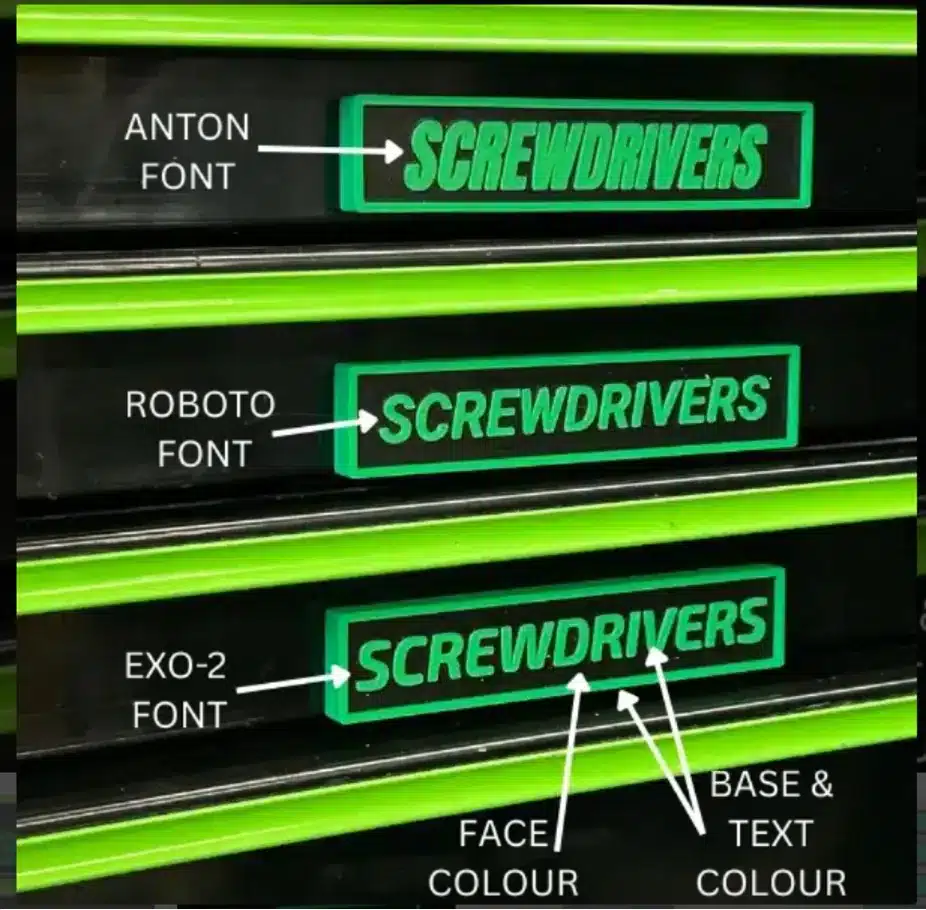
Choose a simple font and clear contrast between the lettering and background. Black text on white or white text on black are straightforward starting points. Check other colour combinations under your actual workshop lighting.
Before ordering, make a paper sample at approximately the intended label size. Hold it against the drawer and check whether you can read it comfortably from your normal working position.
Step 3: Test Your Layout Before Making Permanent Labels
Use temporary labels to try your drawer names during normal work. Choose removable tape suitable for the finish, or use paper inserts if your drawers have label holders.
Check whether you can find tools without opening the wrong drawers. If two names seem interchangeable, make the distinction clearer. If a category keeps moving between drawers, adjust the layout before committing to permanent labels.
Once the arrangement works, count the labels you need and review spelling, dimensions, and surface compatibility before making or ordering them.
For compatible magnetic drawer fronts, our Custom Magnetic Toolbox Drawer Labels let you choose individual wording for a set of eight, along with font and colour options. Count your drawers first to determine how many sets your layout requires.
Step 4: Clean the Drawer Fronts and Attach Your Labels
Remove dust, grease, and other contamination using a cleaning method approved for the toolbox finish. Let the surface dry before attaching labels. Magnetic labels also need clean contact surfaces to avoid grime scratching your toolbox paint.
Choose a consistent label position that stays visible with the drawers closed. Left-aligned, right-aligned, or centred labels can work; use whichever arrangement avoids handles, locks, and trim across your particular toolbox. The Automotive Accessories NA labels are thin enough to allow the unclipping of most toolbox drawer latches where the label sits on your drawer.
Measure from a common reference point, such as the drawer edge, to keep the labels aligned.
For magnetic labels: Place each label on the tested magnetic surface and check that it sits securely. Lift it to reposition rather than sliding it across dirt or metal particles that could mark the finish.
For adhesive labels: Follow the supplier’s surface preparation, application temperature, and bonding instructions. Position carefully before pressing down, since some adhesives do not allow repositioning.
For label-holder inserts: Cut or print each insert to the holder’s dimensions and check that the full wording remains visible behind any cover.
Open and close each drawer individually to check clearance. Confirm that the label matches the contents and does not obstruct your grip or a moving part.
Step 5: Update Labels When Your Storage Changes
Return tools to their labeled drawers after each job. If other people use your toolbox, choose names they can understand without needing an explanation.
When you move a tool category, update its label at the same time. Reposition magnetic labels, replace adhesive labels, or change the insert in a label holder as appropriate.
Check for three signs that the system needs adjusting: tools repeatedly ending up in the wrong drawer, labels that no longer describe the contents, or wording that is difficult to read.
Use smaller labels inside divided drawers when the outer label is too broad to identify individual compartments. For example, a drawer marked “Fasteners” can contain separate bins labeled by fastener type and size.
Common Toolbox Labeling Problems
| Problem | What to check | Practical fix |
|---|---|---|
| Adhesive edges lift | Surface preparation, texture, and application conditions | Check the supplier’s guidance before replacing the label |
| Text is hard to read | Letter size, contrast, glare, and handle obstruction | Shorten the wording or adjust size, colour, or placement |
| Several drawers have the same name | Whether the categories need clearer distinctions | Add metric/SAE, drive size, or another useful identifier |
| Labels become inaccurate | Whether tools have moved to different drawers | Update the label when changing the layout |
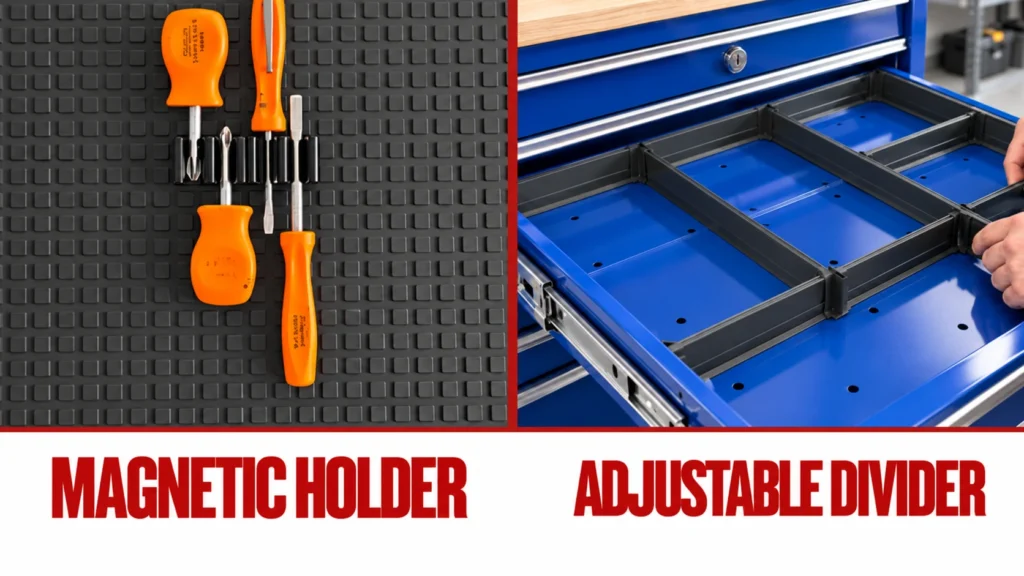
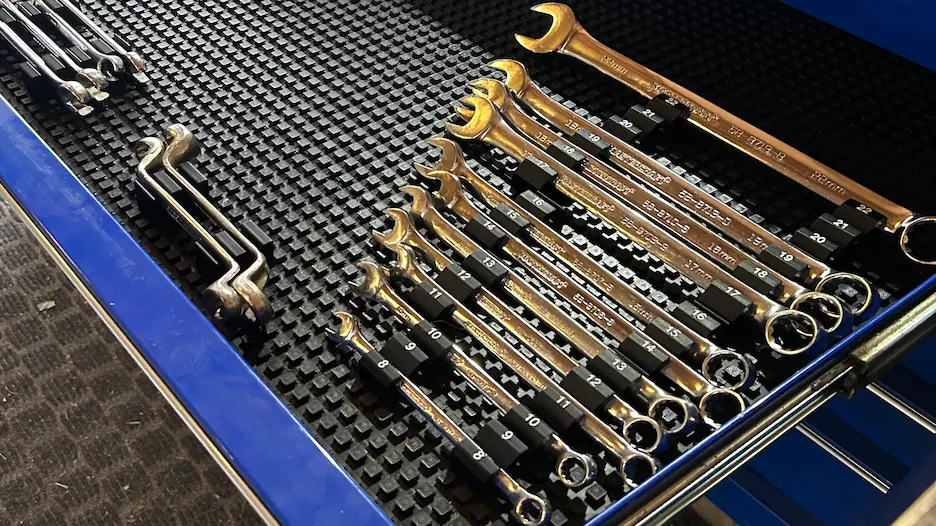
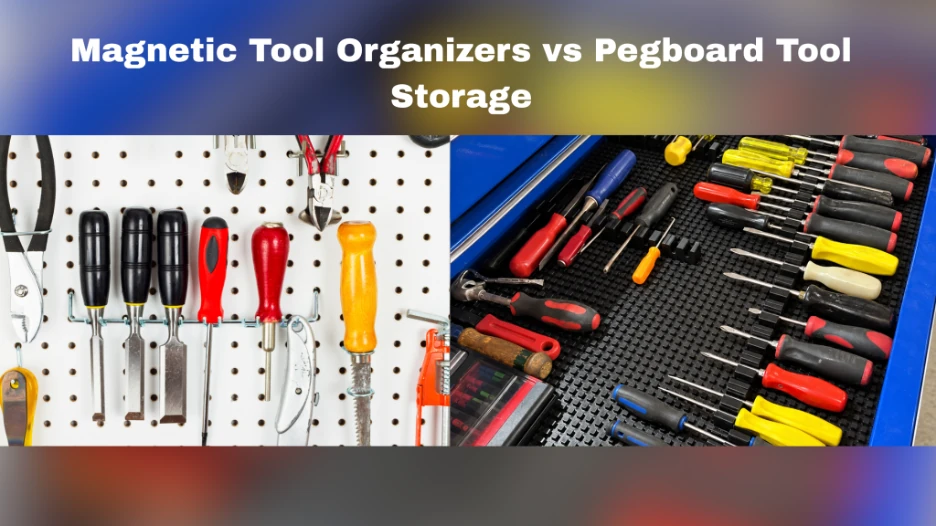
Labels identify where tools belong. Trays, dividers, and holders keep those tools separated inside the drawer. Use both where a labeled drawer still becomes difficult to search.
Finish With a System That Matches Your Tools
A useful toolbox labeling system starts with clear categories and a layout that works during everyday jobs. Choose readable names, check the drawer surfaces, and position labels consistently where you can see them.
Temporary labels help you test the arrangement before committing. Once the layout works, choose permanent or reusable labels suited to your toolbox and update them whenever the contents change.
For personalized labels you can move between compatible drawer fronts, explore our Custom Magnetic Toolbox Drawer Labels. Check the available dimensions, wording limits, and customization options against your drawer plan before ordering.
And if you want to learn more about how printed magnetic labels compare to other types, check out this article on Printed Magnetic Labels to Fix a Messy Toolbox.